SYSGeeker AppVero v7.0

Bulk Uninstall Stubborn Apps in 1-Click

A dedicated app uninstaller that helps you remove unwanted software, reclaim disk space, uninstall stubborn third-party apps, remove Windows system apps, and clean browser extensions from popular browsers with ease.

Support: Windows 11/10/8/7
Uninstall stubborn apps

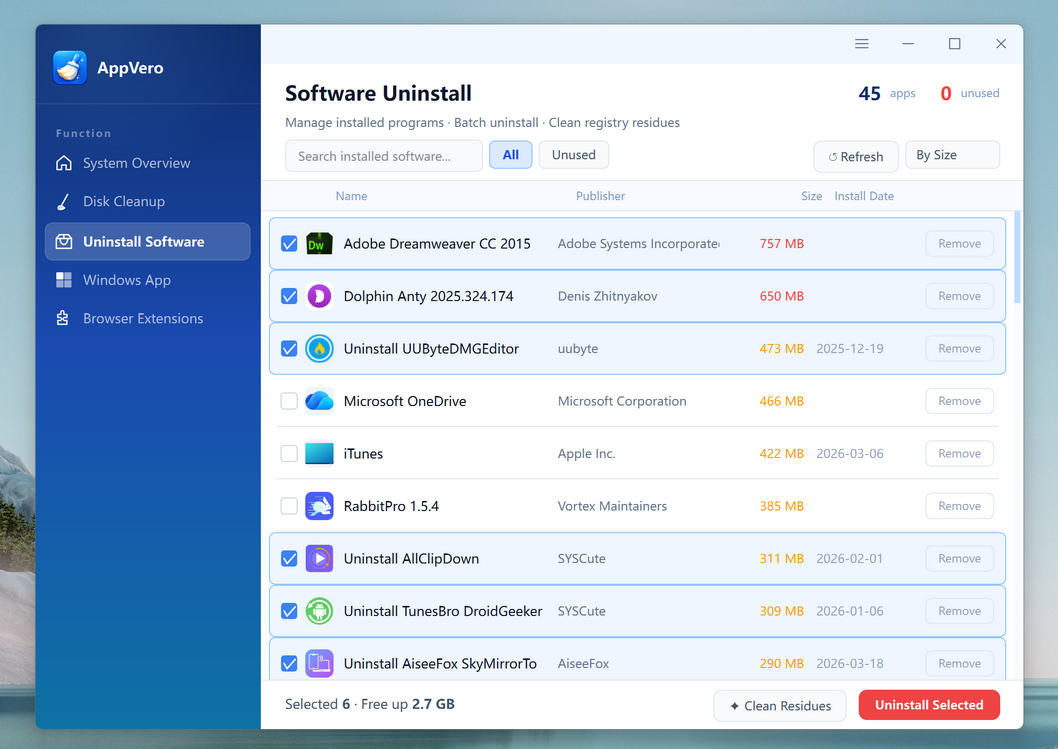
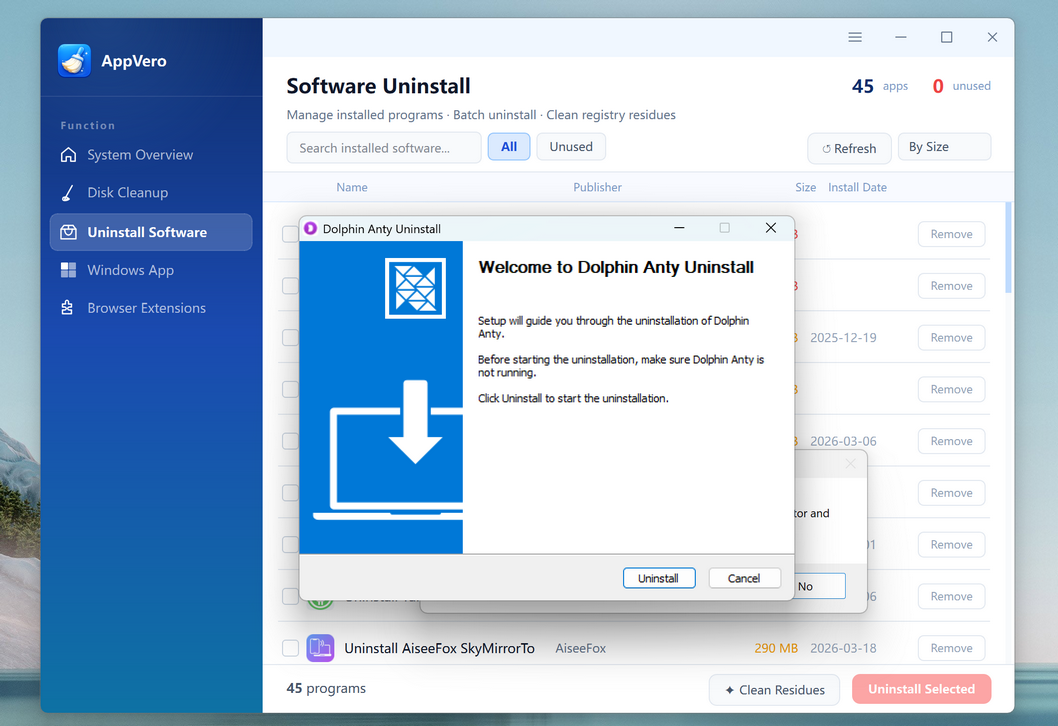
Uninstall Third-Party Apps Completely

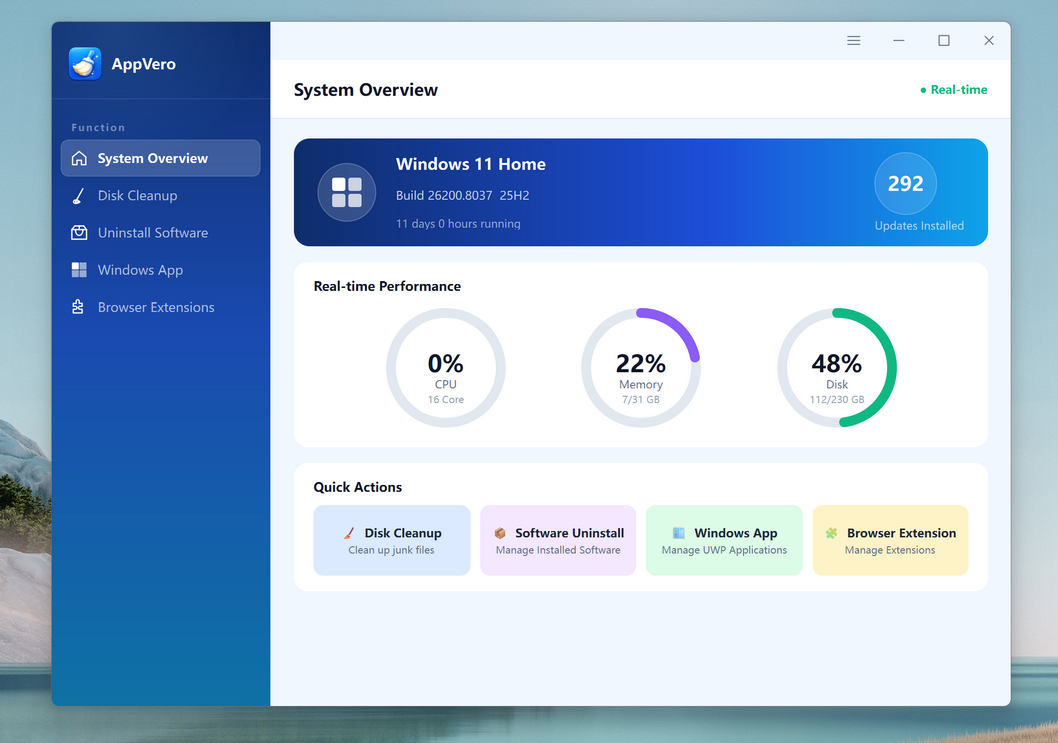
Some desktop apps are easy to remove, but others leave behind folders, registry entries, startup items, or background services. AppVero makes it simple to uninstall third-party software completely from one place. With a clean and straightforward interface, you can quickly find the apps you no longer need, remove them in batches, and delete the remaining traces that normal uninstallers often miss.


Delete Windows System Apps with More Control

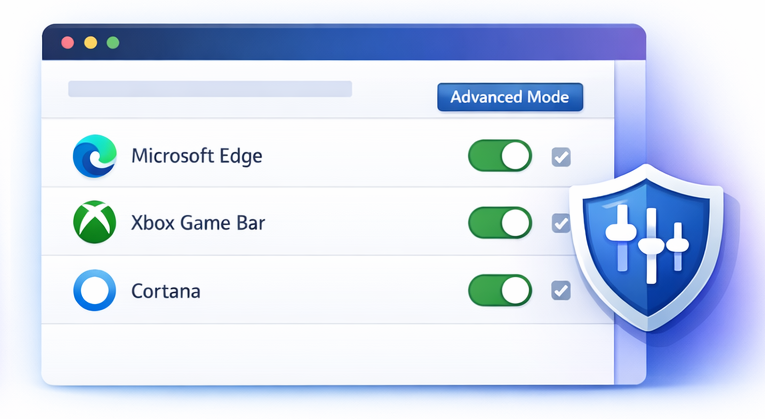
Windows comes with many built-in apps that users may never use. In many cases, these apps cannot be removed easily through normal Settings options. AppVero gives you a more direct way to uninstall unwanted Windows system apps and reduce clutter on your PC. This is especially useful for users who want a cleaner desktop, fewer background apps, and better control over what stays installed on their system.

Secure Secure
Direct No Leftover
Fast Blazing Fast
Automatic Fully Compatible
Uninstall Windows system apps

Clean Up Disk Space and Remove App Leftovers

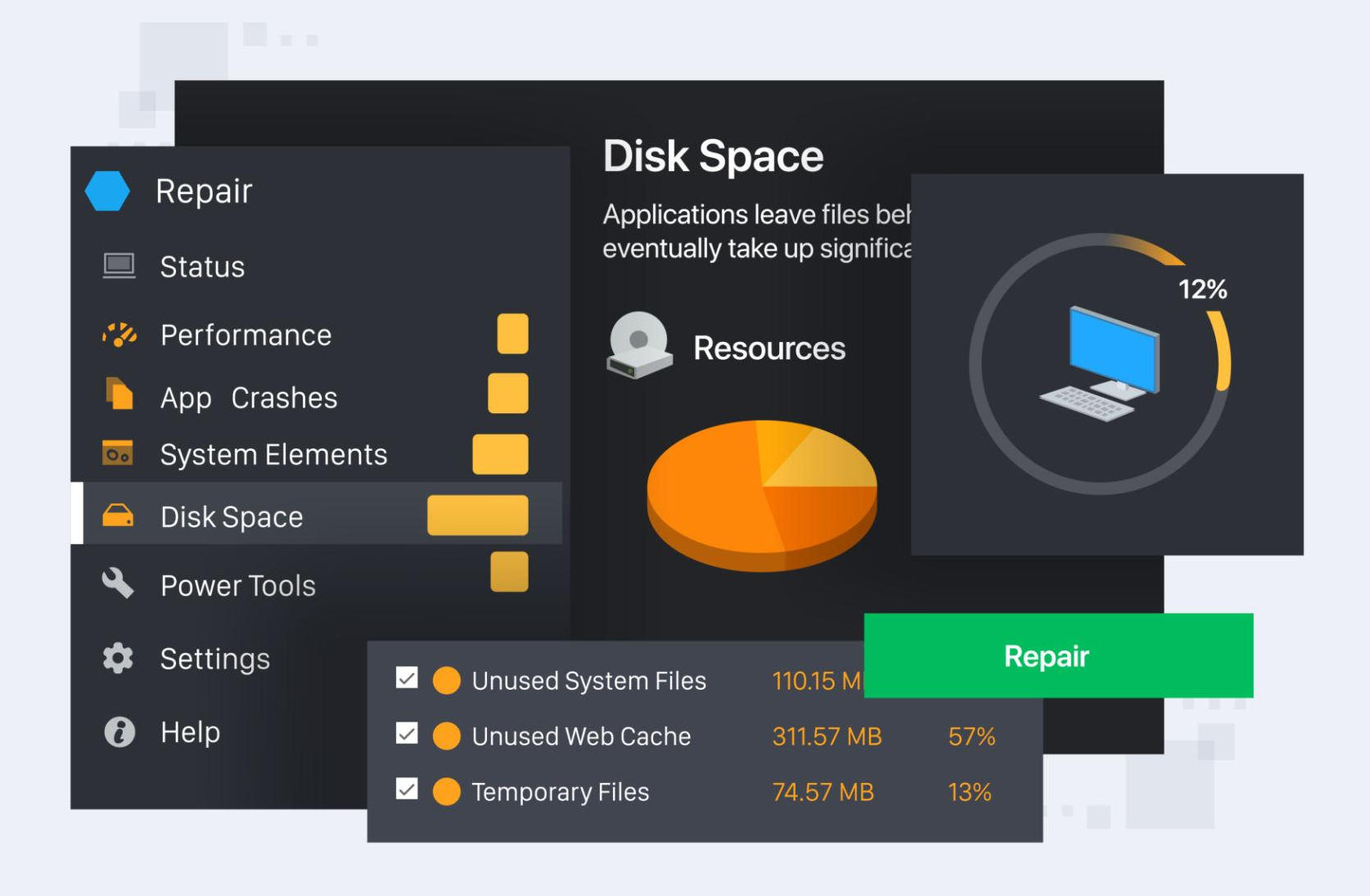
Over time, desktop computers collect unused files, leftover app data, installation packages, caches, and other junk that waste valuable storage. AppVero helps you find and remove these files so your computer can stay cleaner and more organized.

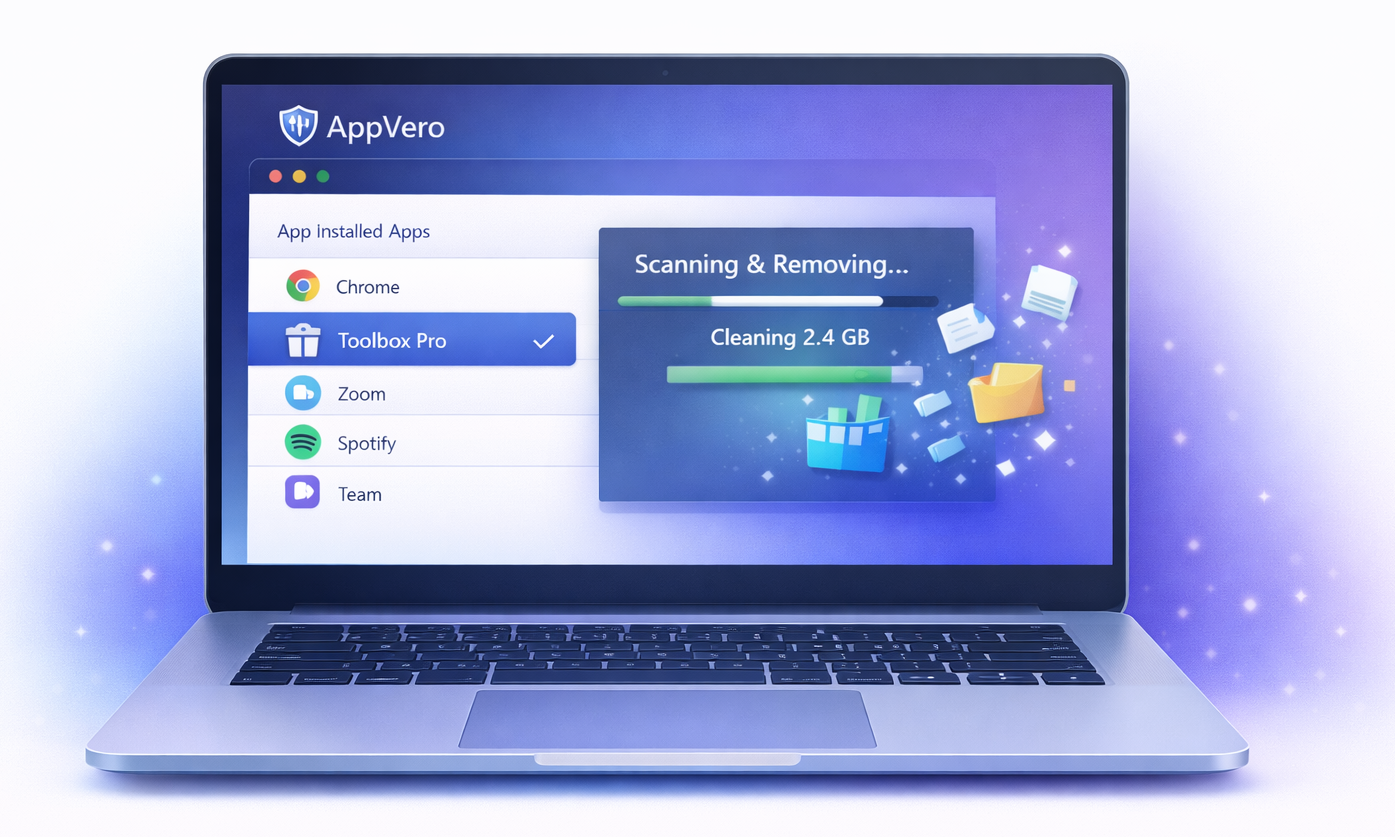
Even after uninstalling an app in the normal way, many files are often left behind. AppVero scans for these leftovers and removes them, giving you a more complete cleanup and helping you recover more disk space.

Cleanup disk
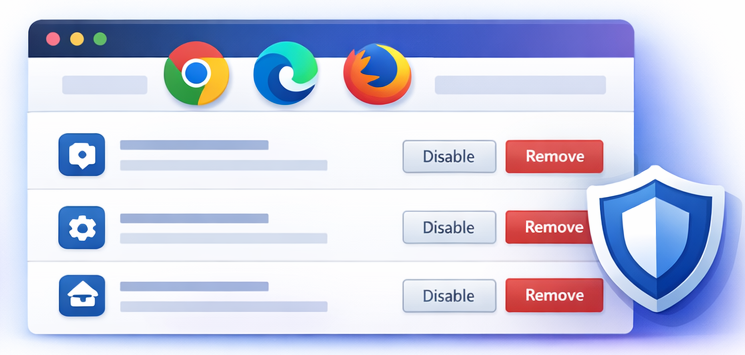
Uninstall browser extension

Remove Browser Extensions from Different Browsers

Too many browser extensions can slow down your browser, create conflicts, affect privacy, or make the browser harder to manage. AppVero helps you review and remove unnecessary extensions from different browsers in one convenient place. Whether you use Chrome, Edge, Firefox, or another supported browser, AppVero makes extension cleanup easier and faster than checking each browser one by one.

How to Uninstall Apps from Your Computer

With a simple and clean interface, deleting apps is as easy with the help of SysGeeker AppVero.

  • 1

    Download and Install AppVero Software

    Download AppVero and install it on your desktop computer. Launch the program to view your installed apps, system apps, cleanup options, and browser extensions.

  • 2

    Scan for Apps, Leftovers, and Extensions

    Choose the feature you want to use. AppVero can scan for third-party apps, Windows system apps, leftover files, and browser extensions across supported browsers.

  • 3

    Uninstall Selected Apps from the Computer

    Select the apps, files, or extensions you want to remove, then let AppVero clean them up completely. This helps free up space and keeps your system more organized.

    Learn more >>
  • SYSGeeker AppVero
  • SYSGeeker AppVero
  • SYSGeeker AppVero

Try SYSGeeker AppVero Now

Need a better way to uninstall apps, free up disk space, remove Windows system apps, and clean browser extensions? AppVero gives you an all-in-one solution for desktop computer cleanup and software removal.

Fully compatible with Windows 11/10/8/7
Latest Version: 7.0

download SysGeeker App Vero

What Our Users Say

Superb Windows To Go Creator Tool

by Kevin Brooks

I used AppVero to remove a few old programs, but I was surprised by how many leftover files it found. It helped free up a lot of space on my PC and made the uninstall process much more complete.

Highly recommended!

by Daniel Morris

Some apps would not uninstall properly from Windows Settings, but AppVero removed them without much trouble. The browser extension cleanup was also very helpful.

It works as promised

by Turner

This tool puts everything in one place. It is much easier than checking Control Panel, Settings, and different browsers separately. Very useful for routine PC cleanup.

Read all users' reviews...