SYSGeeker CloneFox v5.0

CloneFox – Clone Disk, Migrate Windows OS and Copy Partitions Safely

Upgrade your hard drive, move Windows to a new SSD, or create an exact copy of your disk with CloneFox. It is a simple yet powerful disk cloning tool designed for Windows users who want to clone a full disk, migrate the operating system, or copy selected partitions without reinstalling Windows, apps, or personal files.

Support: Windows 11/10/8/7
CloneFox

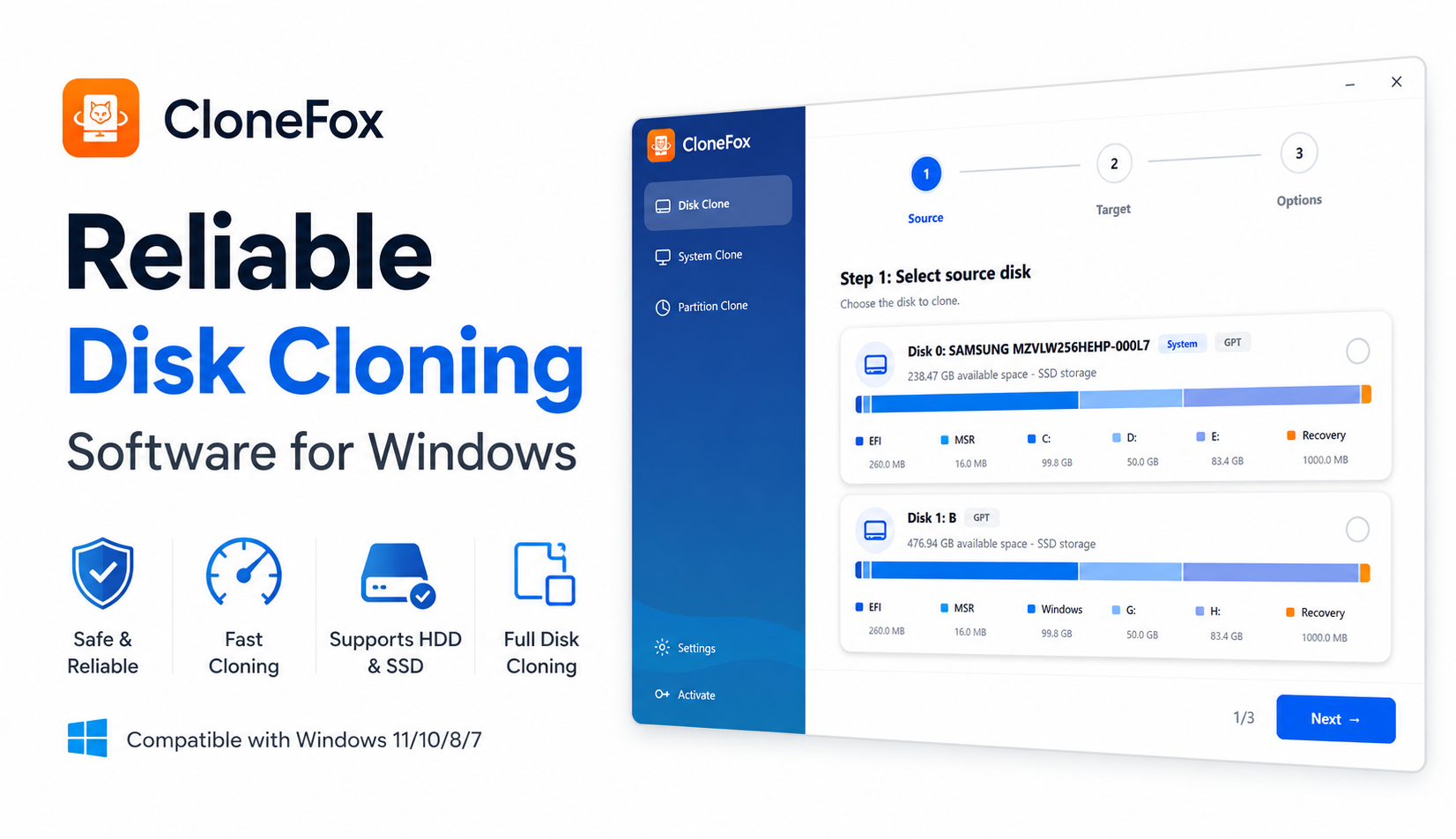
Fast and Safe Disk Cloning Software for Windows

CloneFox is built for users who need a straightforward way to duplicate disks and partitions. Instead of manually copying files, reinstalling Windows, or reconfiguring apps from scratch, CloneFox creates a bootable and usable copy of your current drive.

With a clean interface and step-by-step workflow, CloneFox helps both beginners and advanced users finish cloning tasks with less risk.


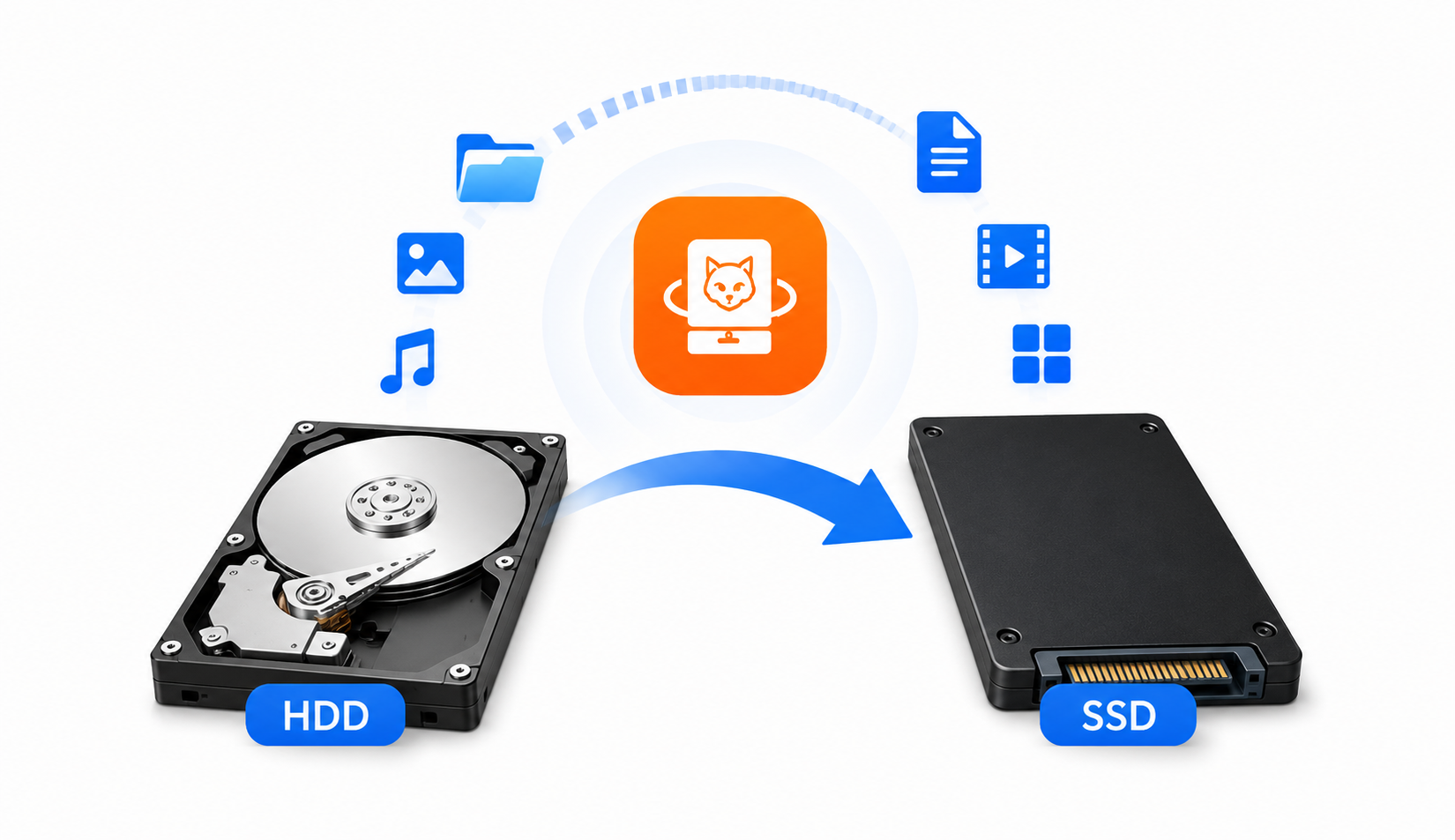
Clone Entire Disk to Another HDD/SSD Drive

CloneFox can copy all data from one disk to another, including Windows system files, installed programs, personal documents, hidden partitions, boot files, and recovery partitions. This is useful when you want to replace an old hard drive with a new SSD or create a complete disk duplicate.

You can clone HDD to SSD, SSD to larger SSD, old disk to new disk, or one external drive to another. After cloning, the target disk can be used as a replacement drive with the same files and system environment.

Secure Secure
Direct No Leftover
Fast Blazing Fast
Automatic Fully Compatible
CloneFox

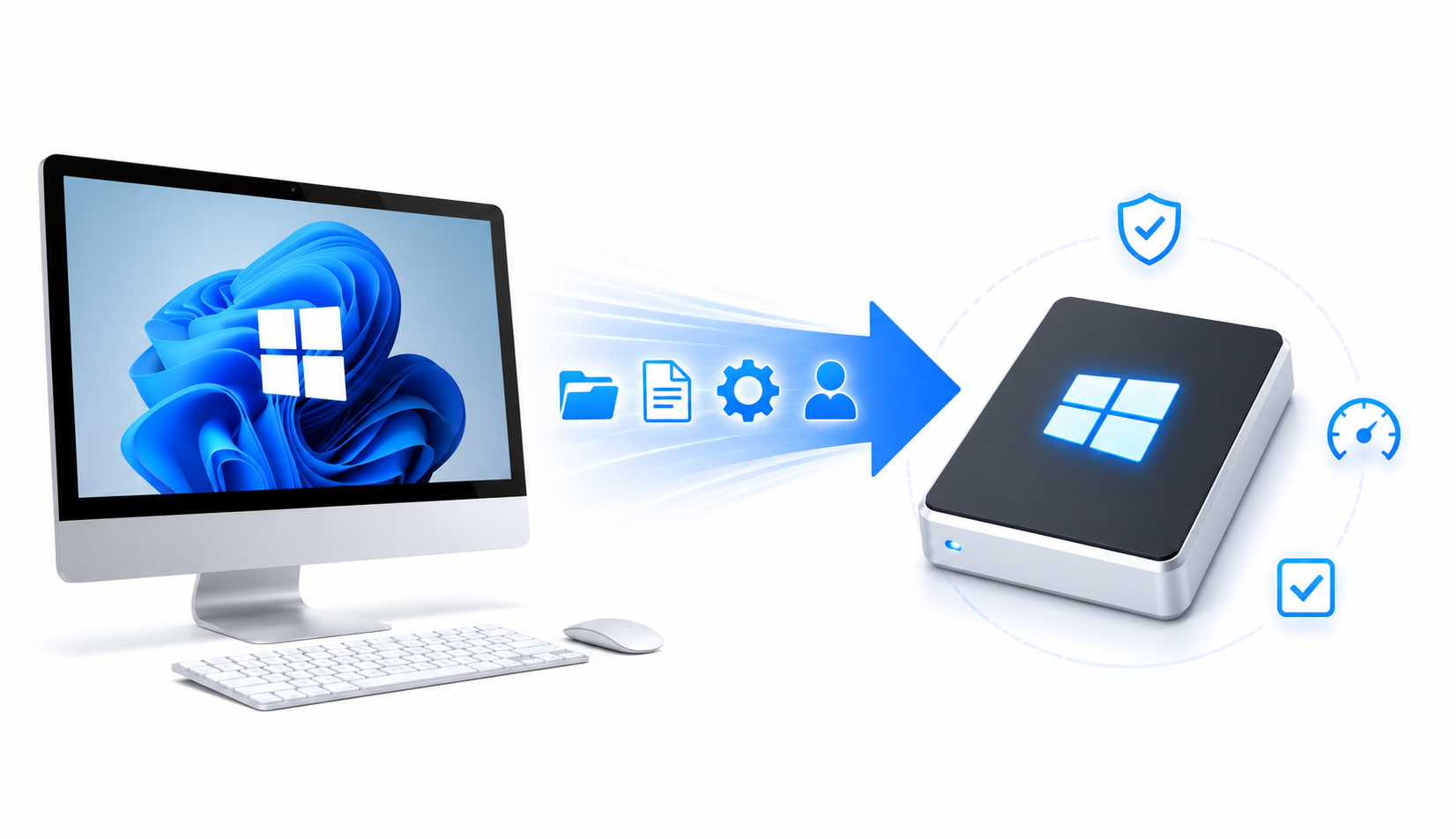
Migrate Windows OS to SSD Without Reinstalling

If your Windows computer is slow because it still runs on an old hard drive, CloneFox can help you migrate Windows OS to a new SSD. The tool copies the system partition and required boot files so you can start Windows from the new drive.

There is no need to reinstall Windows, reactivate software, or set up everything again. Your desktop, apps, settings, user files, and system configuration can be moved to the new SSD in a cleaner and faster way.

CloneFox
CloneFox

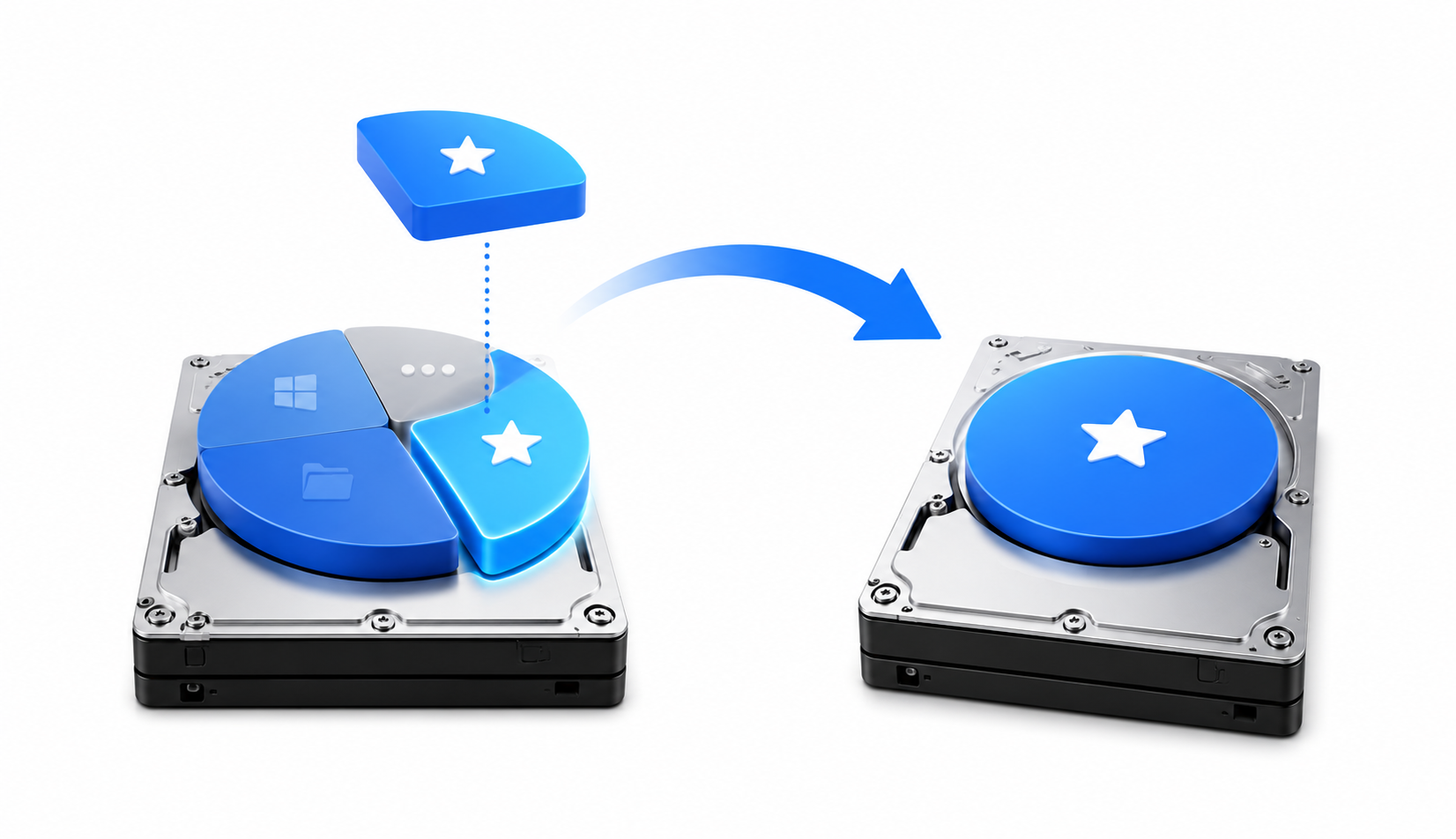
Clone a Selected Partition

CloneFox also supports partition-level cloning. This is helpful when you only want to copy a specific data partition, recovery partition, work partition, or storage volume instead of cloning the whole disk. For example, you can copy your D drive to another disk, duplicate a project partition, or move a data partition to a larger drive without affecting other partitions on the source disk.

How to Clone a Disk with CloneFox

With a simple and clean interface, clone disk or partition is as easy with the help of SysGeeker CloneFox.

  • 1

    Download and Install CloneFox

    Download CloneFox on your Windows computer and install it. Connect the new SSD or hard drive to the PC. You can connect it internally or use a USB-to-SATA adapter, external enclosure, or docking station.

  • 2

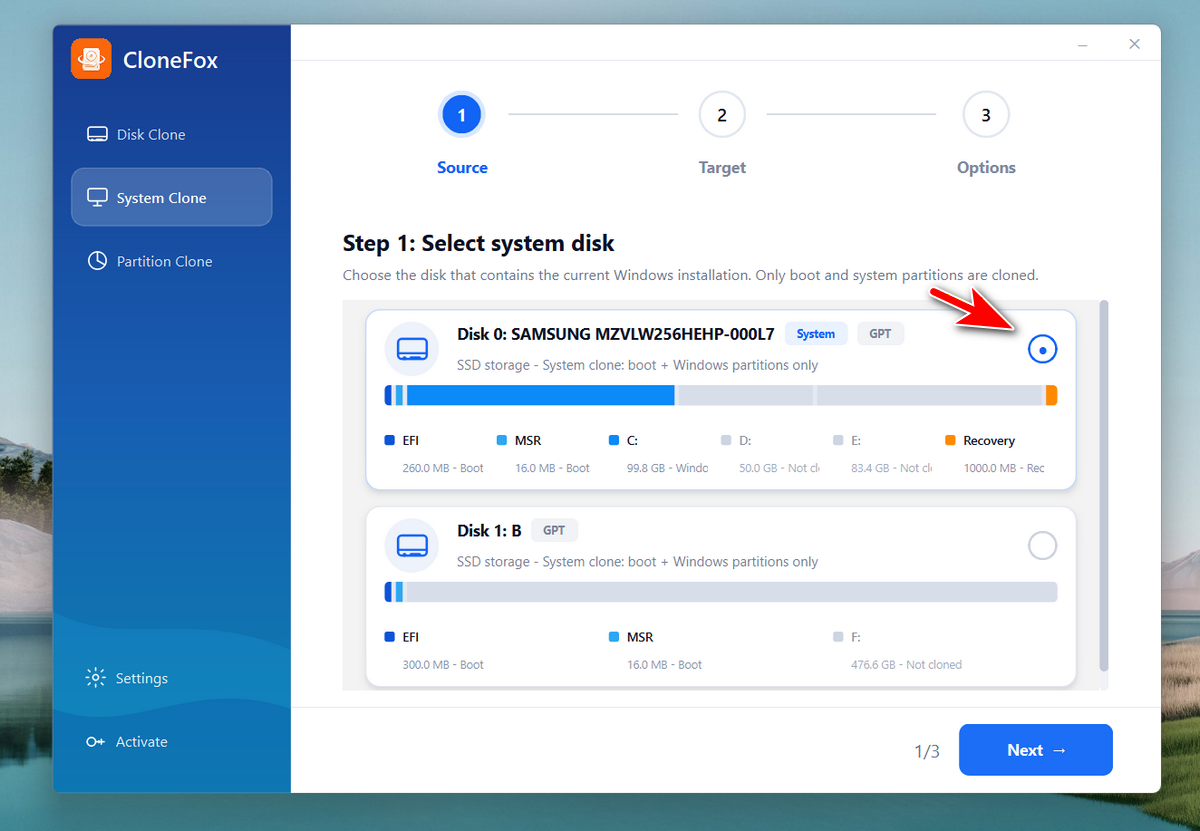
    Choose Disk Clone Mode

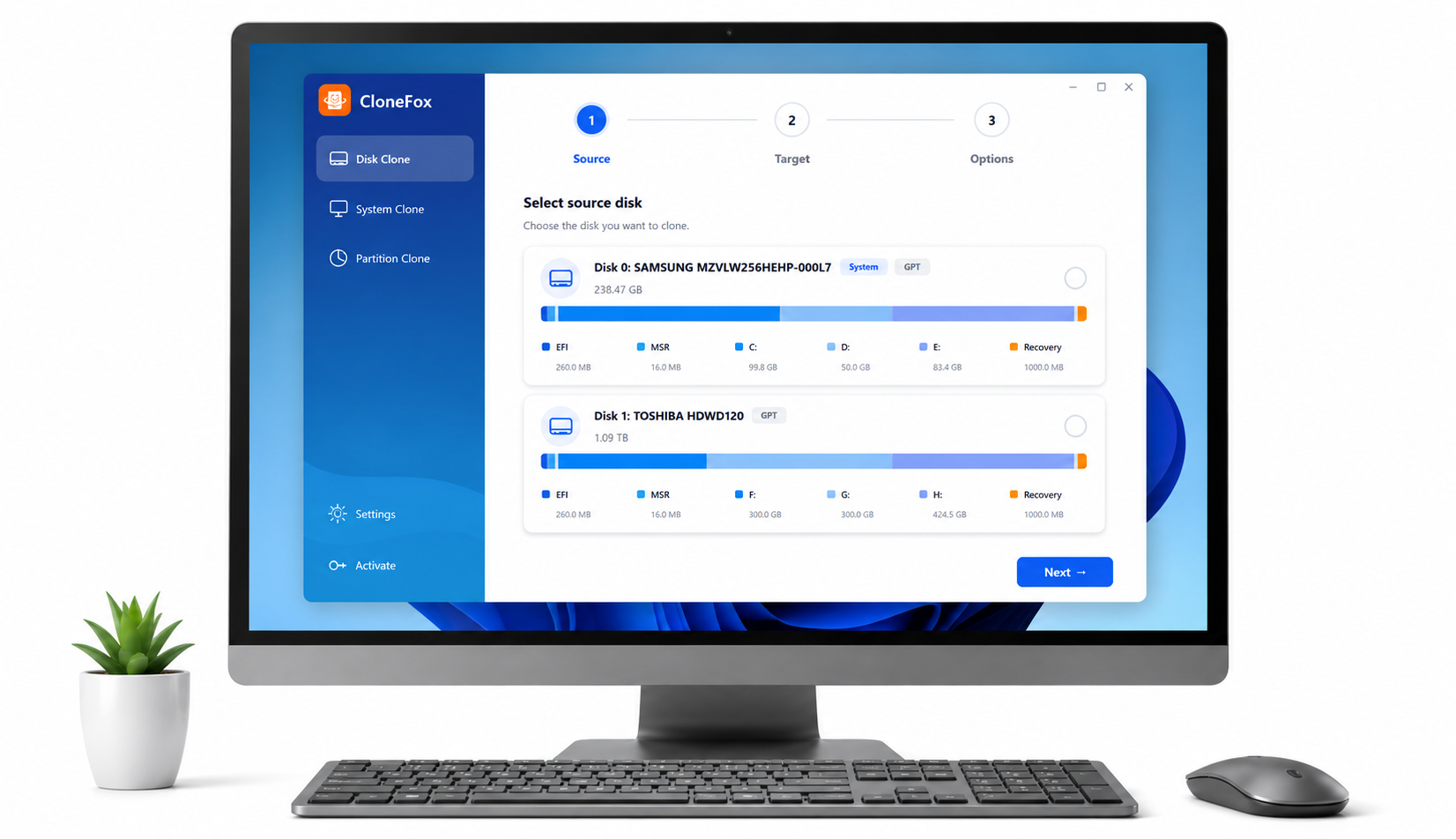
    Open CloneFox and select the disk cloning feature. Choose the source disk that you want to copy. This is usually your current system drive or the disk that contains the data you want to move.

  • 3

    Select the Target Disk and Start

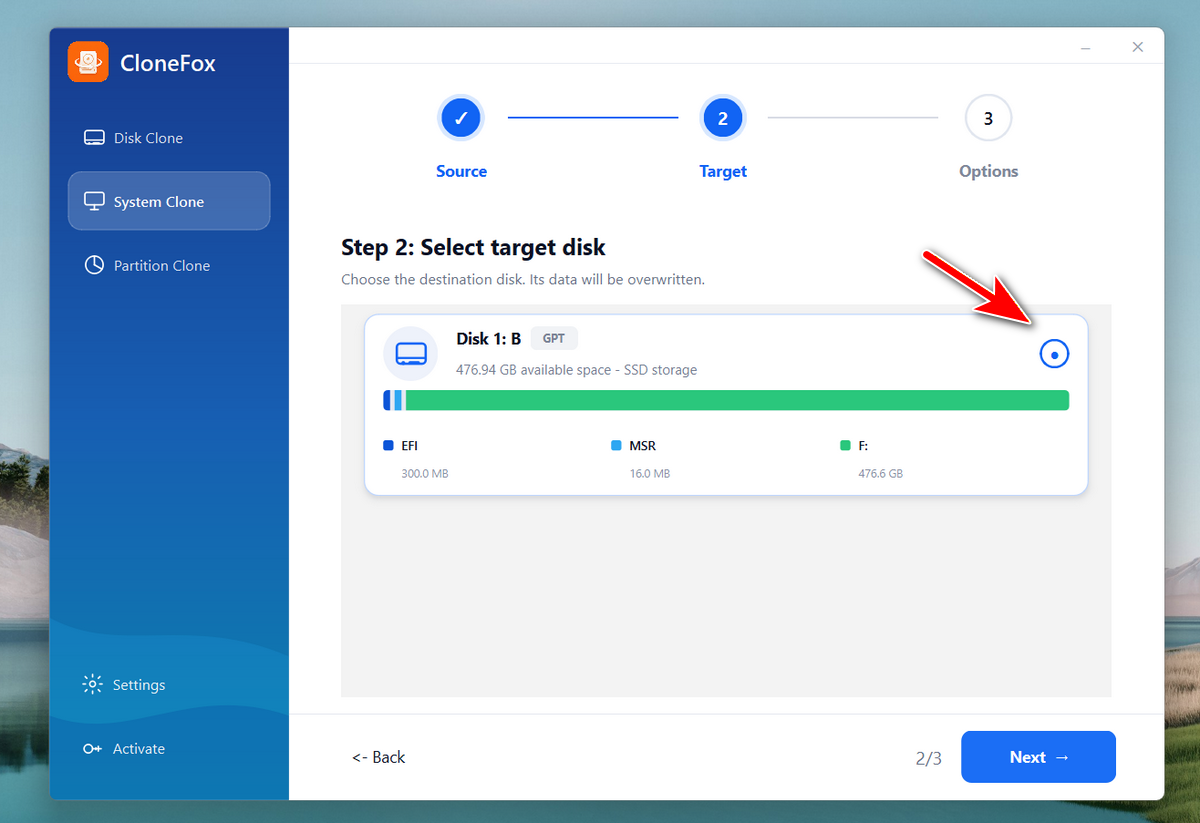
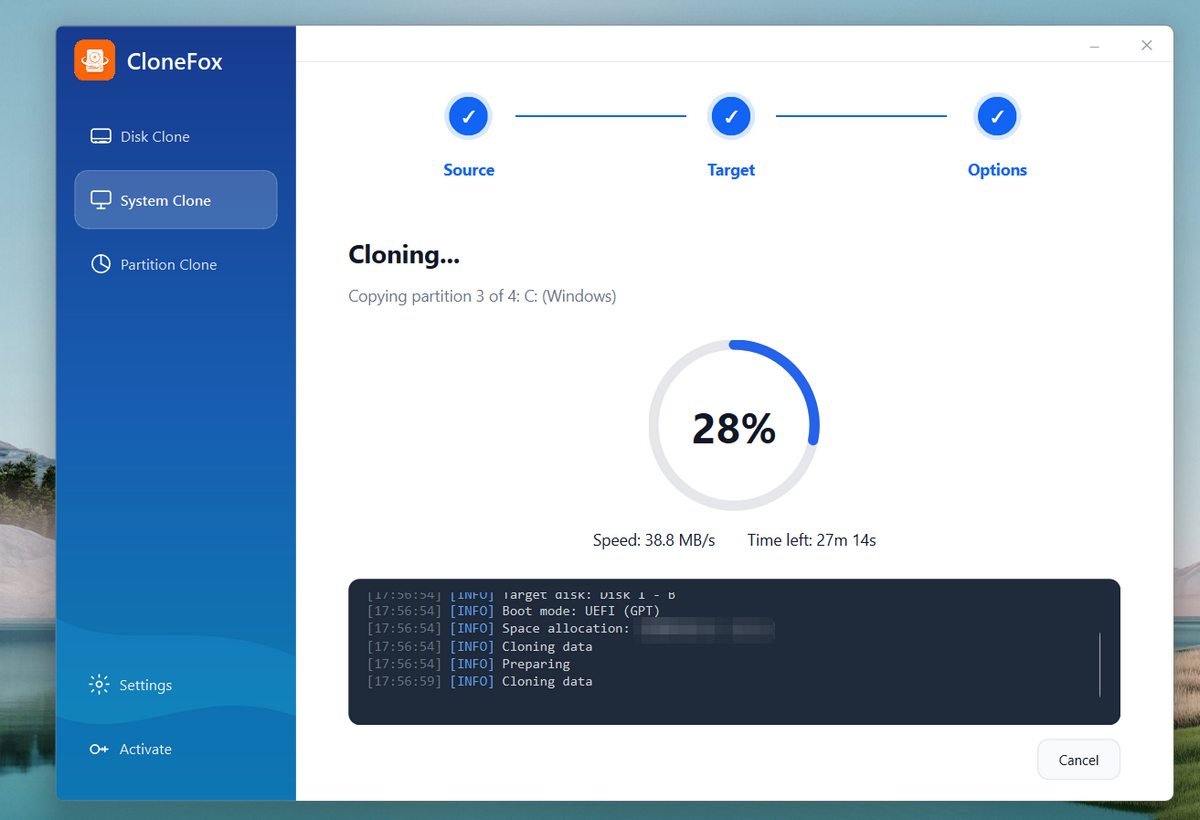
    Choose the new SSD or hard drive as the destination disk. Click the clone button to begin. CloneFox will copy the selected disk data to the target drive. The time required depends on the disk size, amount of data, drive speed, and connection type.

    Learn more >>
  • SYSGeeker CloneFox
  • SYSGeeker CloneFox
  • SYSGeeker CloneFox

Try SYSGeeker CloneFox Now

Need a better way to clone a disk, partition or bootable Windows OS? CloneFox is the app that takes care of all this.

Fully compatible with Windows 11/10/8/7
Latest Version: 7.0

download SysGeeker CloneFox

What Our Users Say

Easy SSD Upgrade

by Michael R.

CloneFox helped me move Windows from my old HDD to a new SSD without reinstalling anything. The steps were clear, and my PC booted from the new drive without issues. It saved me a lot of setup time.

Great for Full Disk Clone

by Sandra Collins

I used CloneFox to clone my laptop drive before replacing it with a larger SSD. All my files, apps, and settings were copied over correctly. The interface is simple enough for non-technical users.

Fast Partition Copy Tool

by TechDeskPro

It worked well for copying a data partition to another drive. I liked that I did not have to clone the whole disk just to move one partition. It is a handy tool for disk upgrades and backup tasks.

Read all users' reviews...